
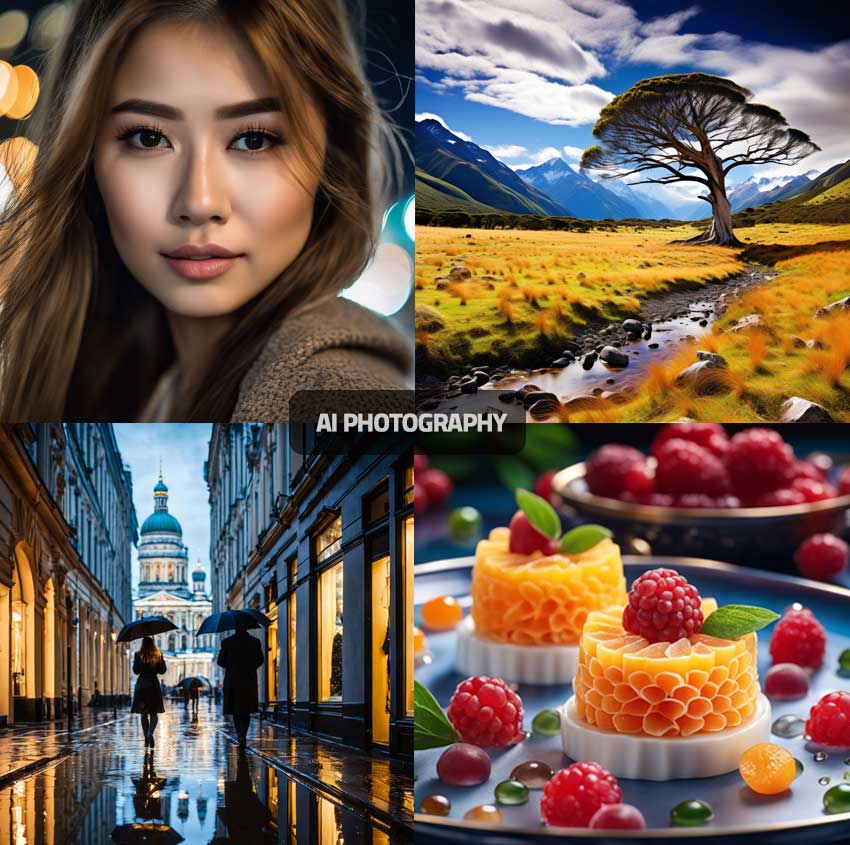
Most of us take photos every day. Family moments, quick selfies, pictures you want to share. But sometimes the photo doesn’t come out quite right. It might be a bit dark, slightly blurry, or just not as sharp as you expected.
In the past, fixing that meant using editing tools that weren’t always easy to understand. Now, AI has made this much simpler.
Here’s a straightforward way to improve your photos using AI, even if you’ve never done it before.
Start by choosing a photo you want to improve. It could be anything— a selfie 🤳 something from your gallery that looks a bit dull or unclear. Once you have that, open an AI photo editing app. There are quite a few available, but most of them work in a similar way.
Upload your photo into the app. This usually takes just a few seconds. Once it’s uploaded, you’ll typically see options like “enhance,” “sharpen,” or “improve quality.”
Select one of these options, usually the one labelled “enhance” or “auto improve.” This is where the AI does the work. It will automatically adjust lighting, improve clarity, and sharpen the image without you needing to change anything manually. It can even add simple effects to make it stand out more.
After a few seconds, you’ll see the updated version. At this point, compare it with the original. Most apps let you toggle between before and after, so you can clearly see the difference.
If you’re happy with it, save the improved image to your phone. If not, you can try another option or adjust it slightly until it looks right to you. That’s it.
What’s interesting about this is how simple it has become. You don’t need to understand editing techniques or spend time adjusting settings. The AI handles most of that in the background.
At the same time, it’s still your choice. You decide which photo to improve, whether the result looks right, and whether you want to use it.
It doesn’t replace your judgment. It just makes the process much easier.
For everyday use, that’s more than enough.
Because sometimes it’s not about creating something perfect. It’s just about making something you already have a little better.
If you missed the previous post, you can read it here:
👉 https://tinyurl.com/v5ppxk3m
If you need any support using AI or want help getting started with prompts, feel free to DM me—I’ll respond as soon as I can.
Curious—have you ever tried improving a photo like this before?
If you’re not sure which app to use, there are a few simple options available. Apps like Remini are popular for sharpening and improving photo quality, while Canva also offers easy-to-use photo enhancement tools. These apps have free versions, so you can try them without committing to anything.
No comments:
Post a Comment