
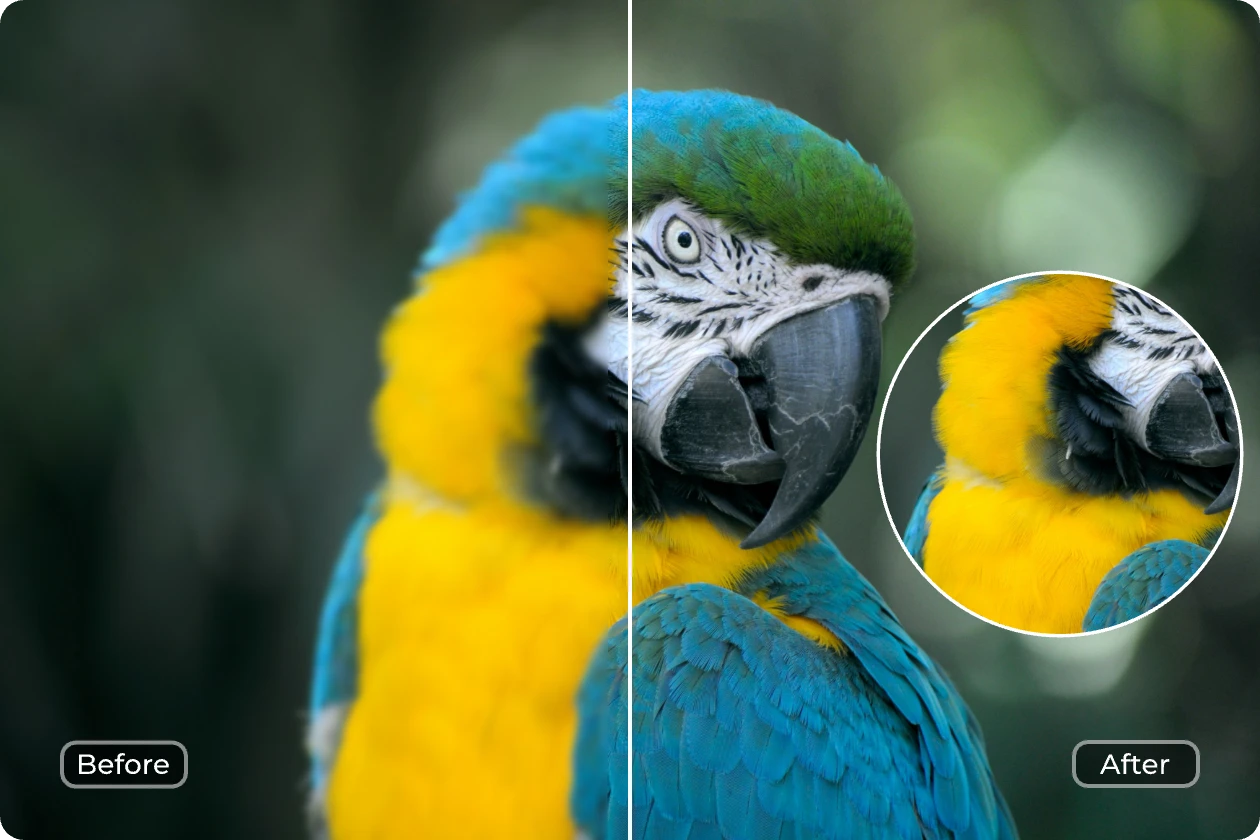
 There’s a lot of talk about AI right now. Some people think it’s overhyped. Others think it’s going to change everything overnight.
But in reality, the most useful part of AI today isn’t anything dramatic.
It’s in the small, everyday things.
The kind of things you already do—but faster, easier, and with less effort.
Take photos, for example.
If you’ve ever taken a picture that came out slightly blurry, too dark, or just not quite right, AI can now fix that in seconds. Tools like Canva or Remini can automatically sharpen images, improve lighting, and enhance details without you needing to adjust anything manually. Many modern AI photo editors now handle tasks like background removal, colour correction, and even object editing automatically. ()
It’s the same with video.
What used to take hours—cutting clips, adding captions, improving quality—can now be done in minutes. Apps like CapCut and Descript can automatically add subtitles, remove mistakes, and even edit videos by simply editing text. ()
Even something as simple as writing has changed.
If you’re stuck trying to word a message, email, or post, tools like ChatGPT can help you rewrite it more clearly or suggest better phrasing. Not to replace your voice—but to refine it.
And this is where things start to shift.
Because AI isn’t just about doing things for you.
It’s about removing the friction that usually stops you from doing things at all.
That photo you didn’t bother editing.
That video you never posted.
That message you kept rewriting.
AI reduces the effort needed to take action.
And that’s why it’s becoming more useful—not because it’s perfect, but because it’s practical.
In fact, many of the latest AI tools are being designed exactly for this purpose. Creative platforms are now embedding AI directly into their systems so users can simply describe what they want, and the tool does the rest.
So instead of thinking about AI as something complex or technical, it’s worth seeing it differently.
As a tool you can use in small ways.
One photo.
One message.
One task at a time.
That’s where it becomes useful.
Try This Yourself (Simple Steps)
If you want to try something practical today:
- Pick a photo on your phone
- Open an app like Canva or Remini
- Upload the photo
- Tap “Enhance” or “Auto Improve”
- Compare before and after
That’s it.
No technical knowledge needed.
If you missed the previous post, you can read it here:
👉 https://shorturl.at/2yleC
No comments:
Post a Comment